Manga
Tap a speech bubble to reveal its text, then look up words while you read.
iPhone & iPad · Android · Desktop
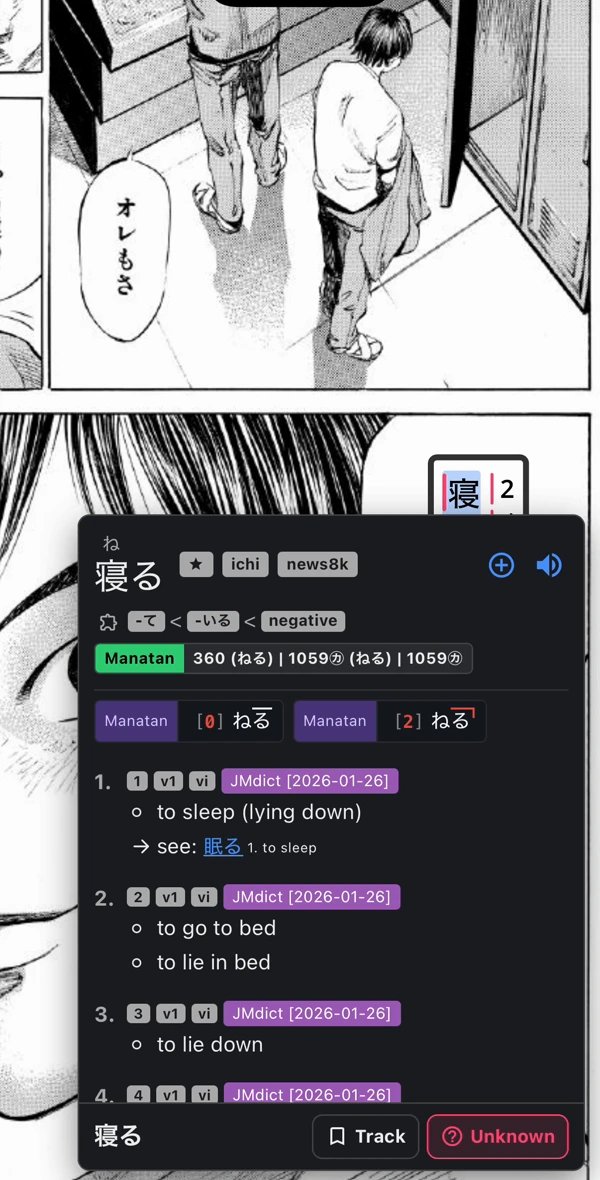
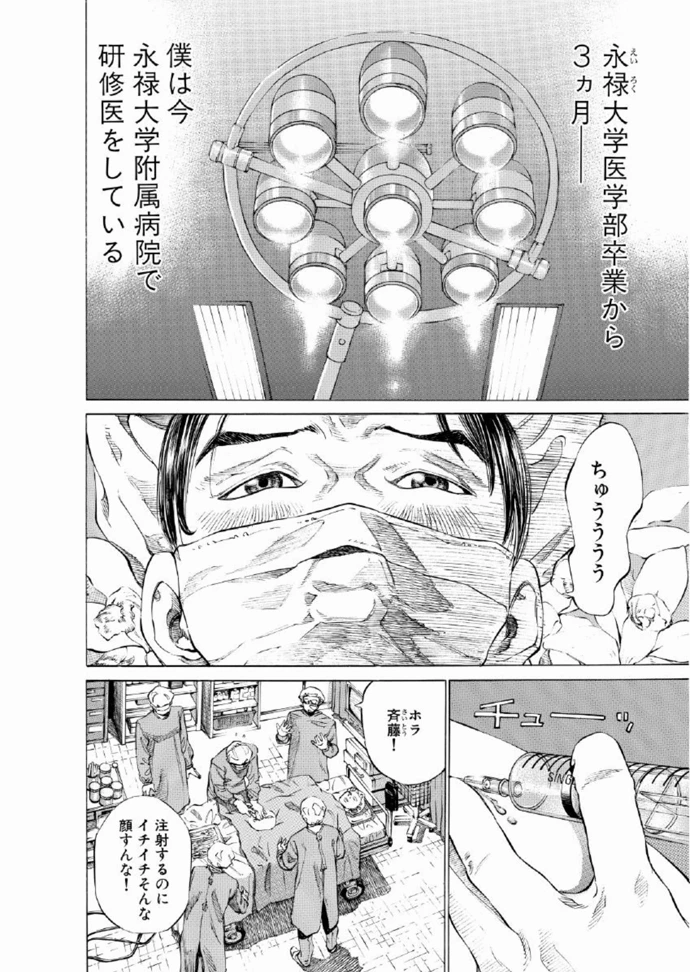
Turn pages with a swipe
Swipe through a chapter or choose a scrolling layout. Set the reading direction to match the manga you’re reading.
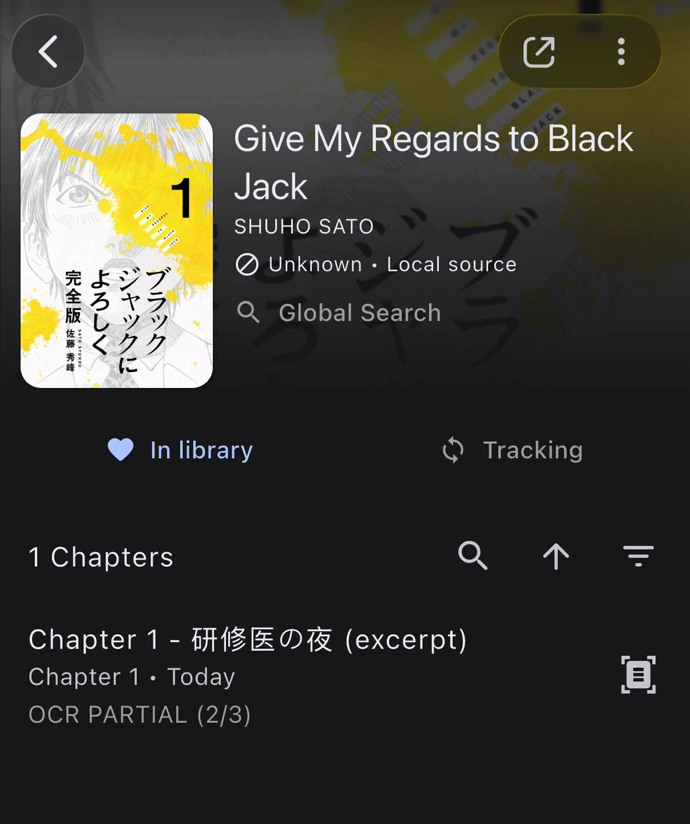
Keep your chapters together
Import comic archives or add a local manga folder. Open a series from your library to pick a chapter or resume reading.
Set up manga reading
Import a chapter
Add a supported comic archive or open a local manga folder.
Open guideSet up text recognition
Choose an OCR provider for your device and language. Download any models it needs.
Look up a word
Import a dictionary, then select recognized text in the reader.
Open guide
Requirements
- Dictionary data
- Import compatible dictionaries first. Readings, pronunciation, frequency and pitch information depend on the dictionary and language.
- Your content
- Bring media you own or are authorized to use. Manatan does not include the books, films or games shown in these examples.
- Text recognition
- OCR providers vary by device and language. Recognition accuracy depends on the lettering and image quality.