Popup dictionary
Tap a word in a book, manga page, or subtitle to see its reading and definition without losing your place.
iPhone & iPad · Android · Desktop · Browser extension
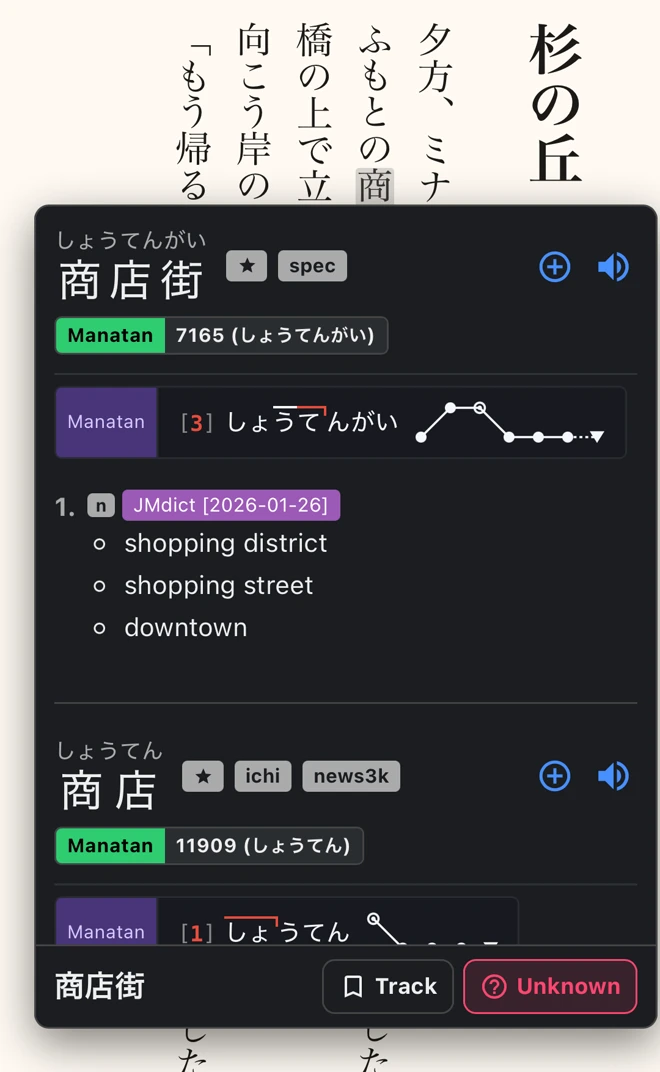
See Japanese pitch accent
Turn on Show pitch graph in the dictionary settings to see where the pitch rises or drops. Pitch graphs need a compatible Japanese pitch accent dictionary.
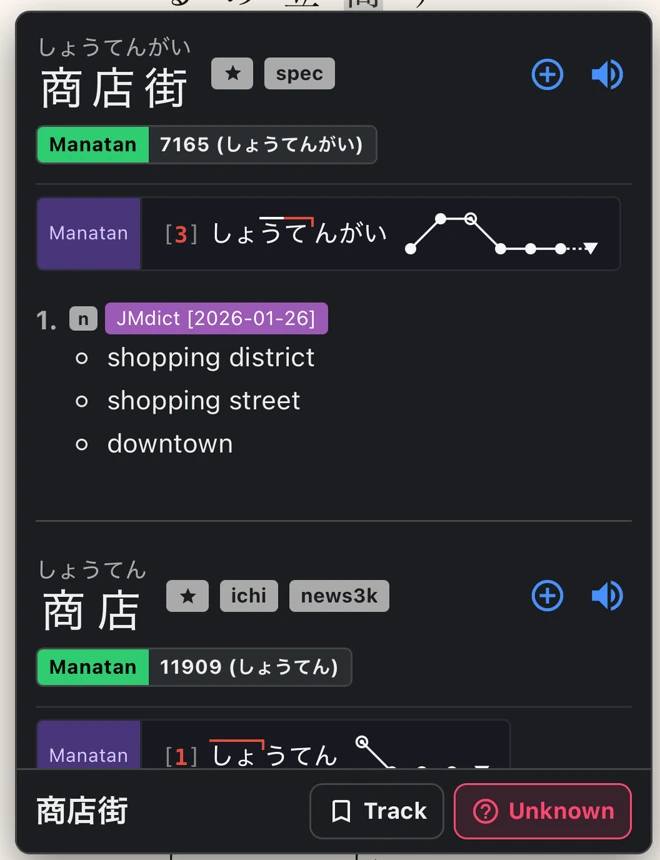
Save a word with its sentence
Choose a Manatan Flashcards deck, then tap + in the popup to save the word. When you review it, you’ll see the original sentence.
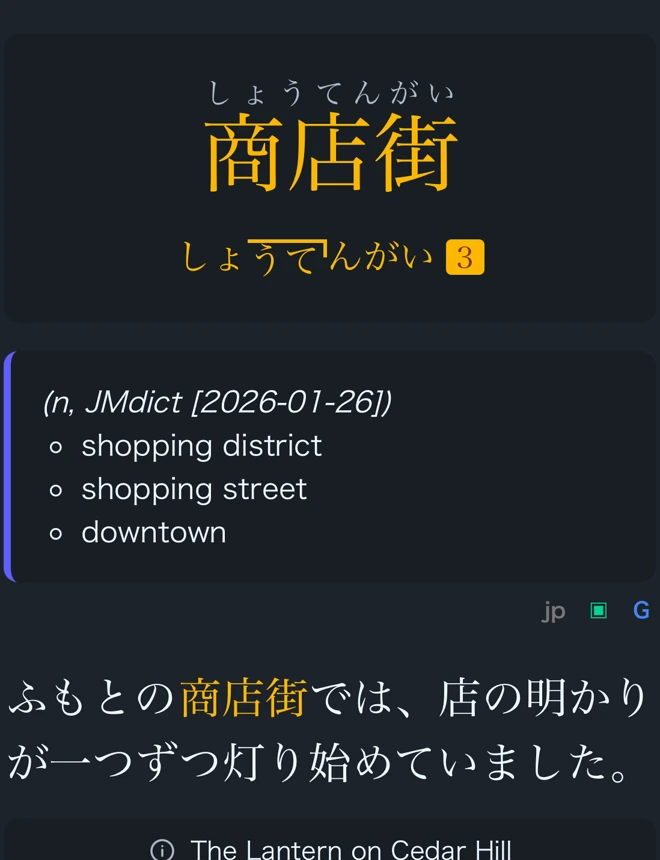
Set up the popup dictionary
Choose your language
Start with the suggested dictionary or pick a compatible one for the language you’re learning.
Import more dictionaries
Add extra definitions, frequency rankings, or pronunciation data for languages that support them.
Dictionary import guideTry a lookup
Open something you’re reading or watching and tap a word to see its entry.
Requirements
- Dictionary data
- Readings, audio, frequency rankings, and pitch accent depend on the language and the dictionaries you install.
- Language support
- The popup dictionary supports 44 languages. The examples here use Japanese.