Books
Open an EPUB or text file and tap a word to look it up without leaving the page.
iPhone & iPad · Android · Desktop
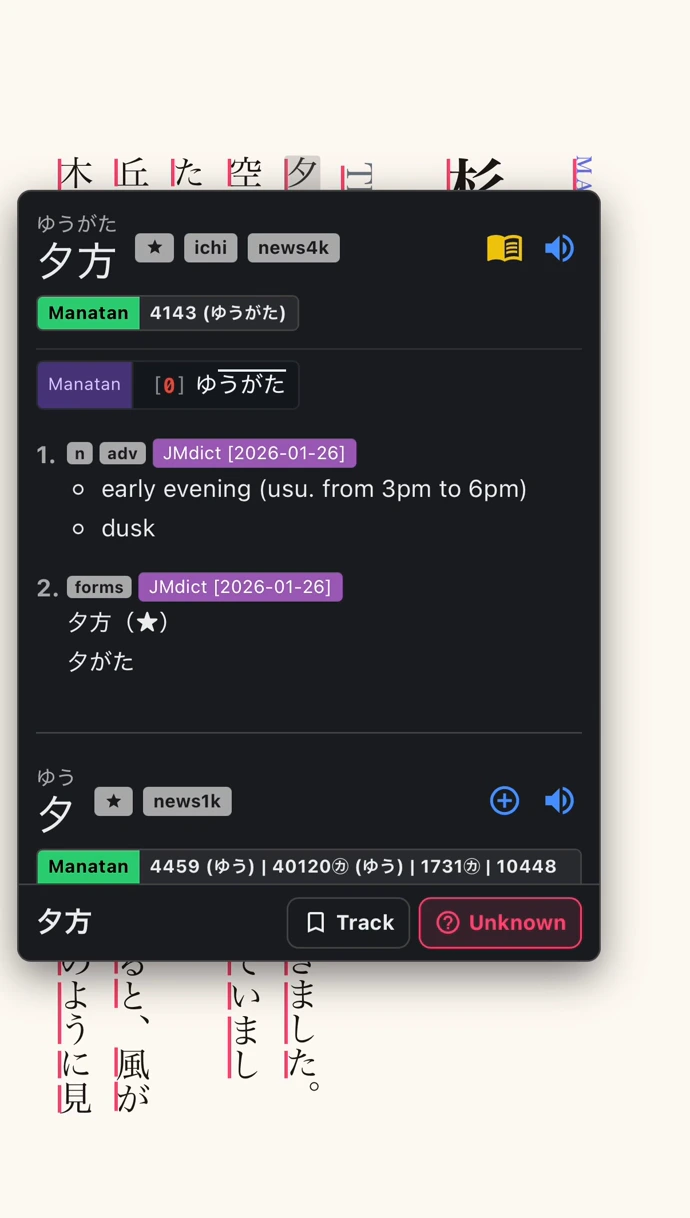
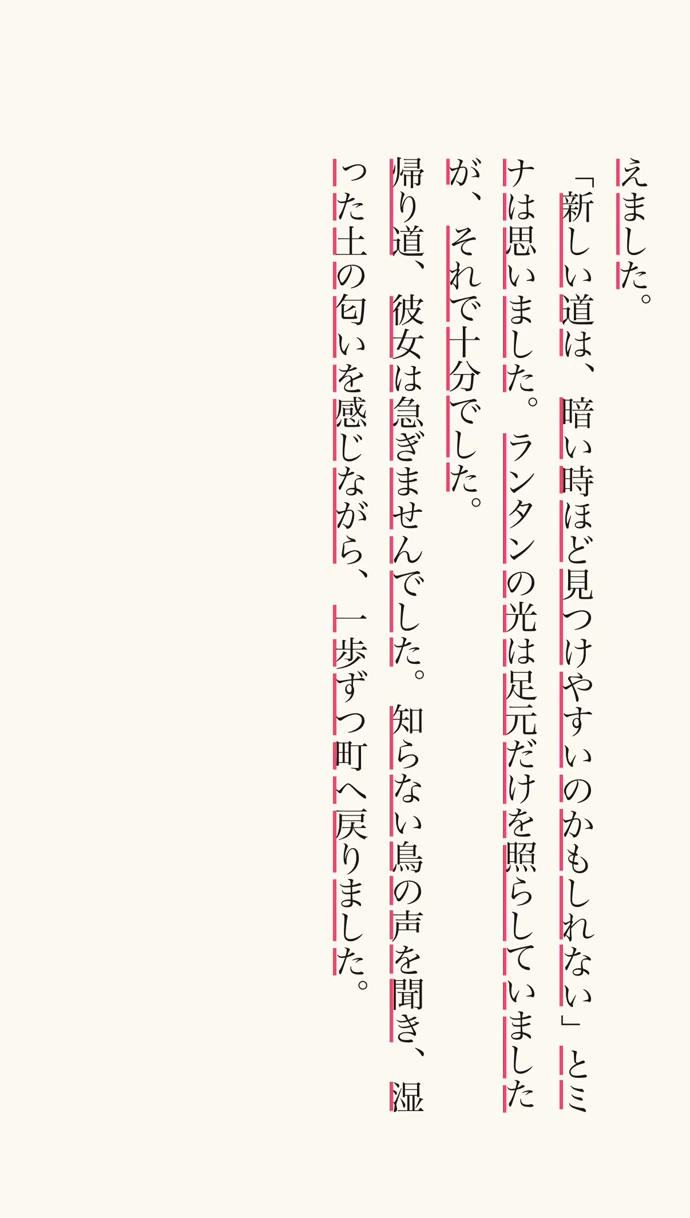
Read in the book’s text direction
Read vertical Japanese text and swipe to turn pages. The reader also supports horizontal text and remembers where you left off.
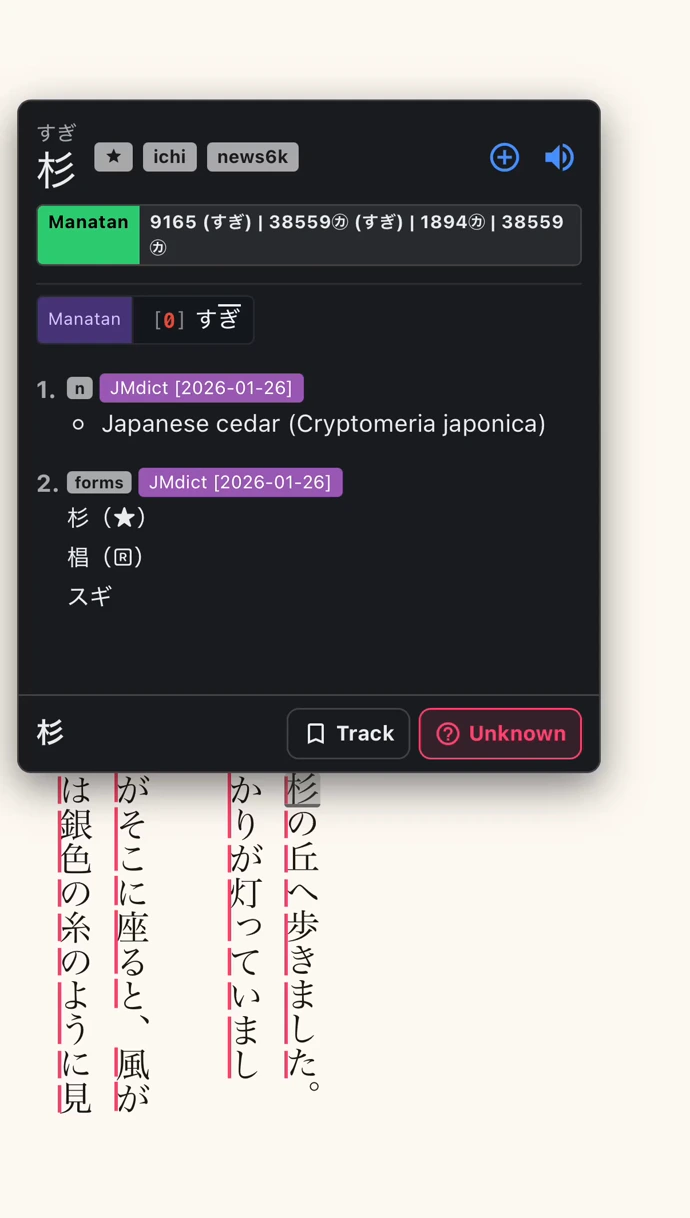
Save a word with its sentence
Use the add button in the dictionary to save the word and the sentence where you found it. Review it in Manatan Flashcards or send it to Anki with a configured integration.
Set up the book reader
Import a book
Choose a supported EPUB or text file from your device.
Open guideAdd a dictionary
Import a compatible dictionary for the language you’re reading.
Open guideOpen the book
Tap a word in the text to see its reading and meaning.
Requirements
- Dictionary data
- Import compatible dictionaries first. Readings, pronunciation, frequency and pitch information depend on the dictionary and language.
- Your content
- Bring media you own or are authorized to use. Manatan does not include the books, films or games shown in these examples.
- Book layouts
- Formatting and text direction depend on the file. Available reading controls vary by device.