Audiobooks
Listen to a book as you read. Manatan highlights the spoken sentence so you can follow the narration on the page.
iPhone & iPad · Android · Desktop
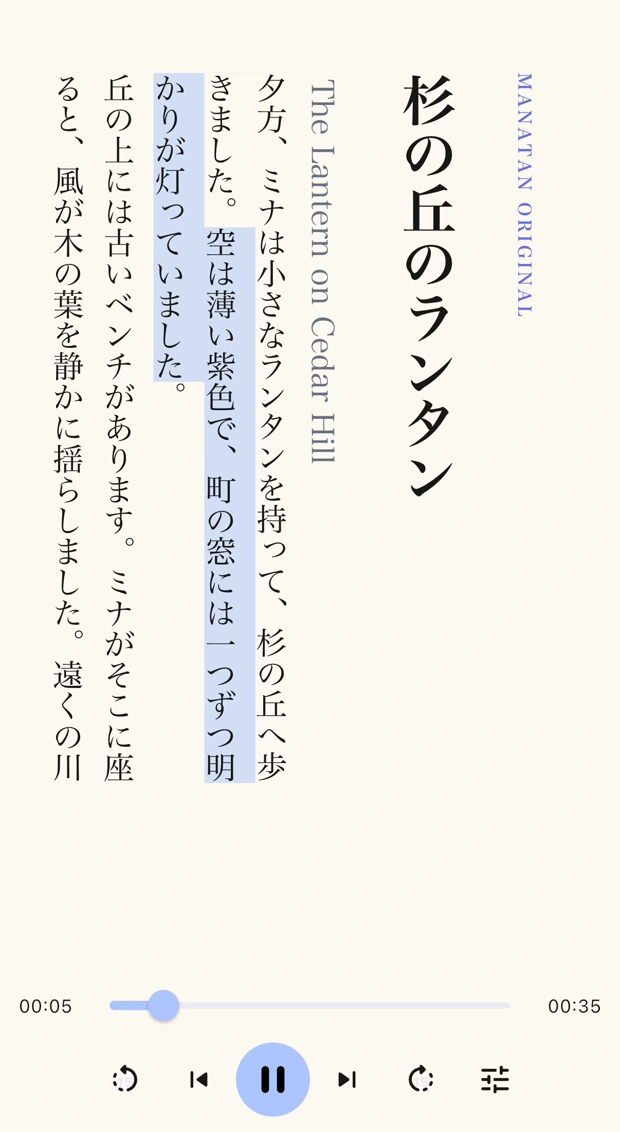
Match the narration to your book
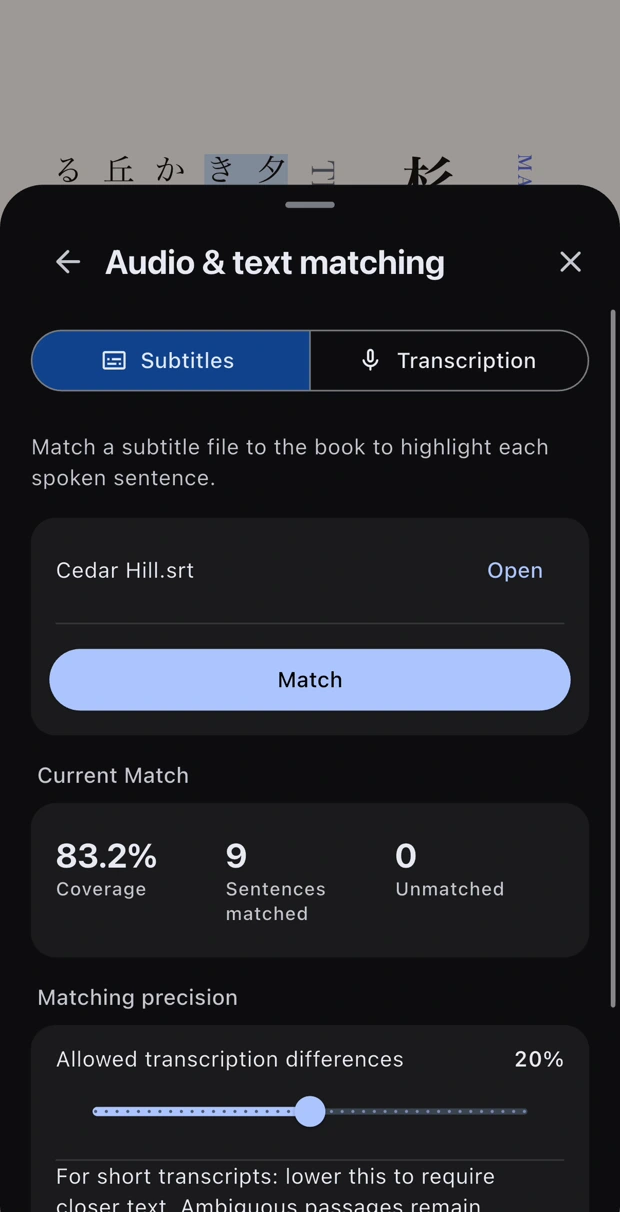
Open a book and load its narration. Match a timed subtitle file to the text, or generate subtitles from the audio with a supported transcription setup.
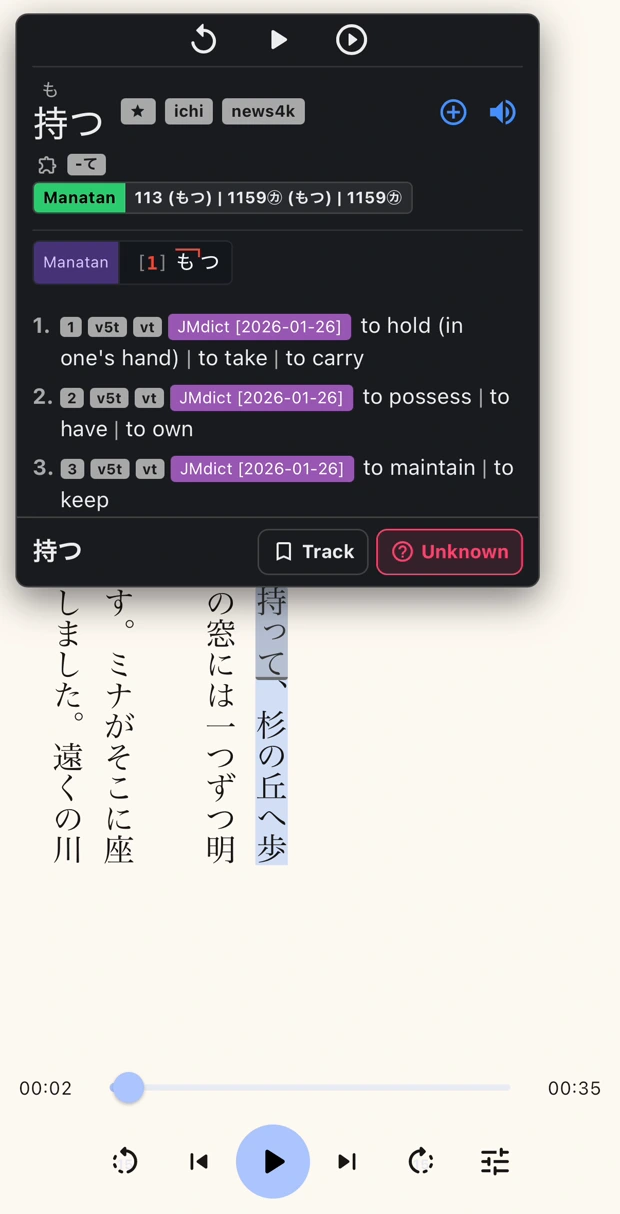
Pause to look up a word
Tap an unfamiliar word to open the dictionary. Turn on Pause on dictionary lookup to stop the narration while you read the definition.
Set up a read-along
Open the book
Import a supported EPUB or text file and open it in the Novel reader.
Open guideLoad the narration
Tap the headphones icon, then choose Load Audio and select a recording of the same book.
Match the text and press Play
Open Audio & text matching. Select a timed subtitle file and tap Match, then check that the highlight follows the audio.
Requirements
- Your content
- Bring media you own or are authorized to use. Manatan does not include the books, films or games shown in these examples.
- Timed text
- Use subtitles that match the recording, such as an SRT or VTT file. Transcription availability depends on your device, language, and setup.
- Dictionary lookup
- Import a compatible dictionary for the language you’re reading to look up words while you listen.