Sentence mining
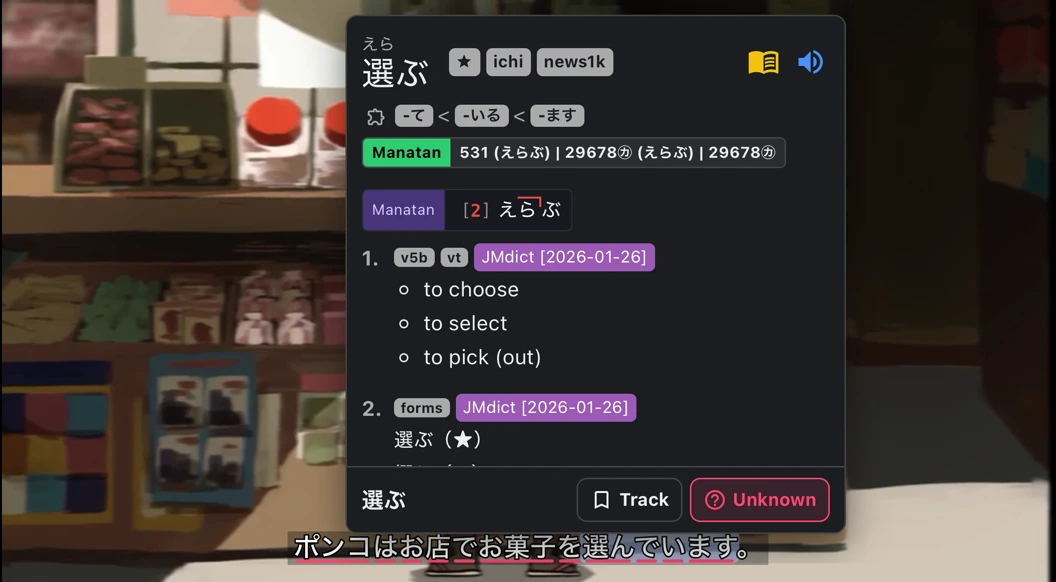
Turn a word from a subtitle into a flashcard with the full line. With a supported video, you can keep the audio and a still from the scene too.
iPhone & iPad · Android · Desktop · Browser extension
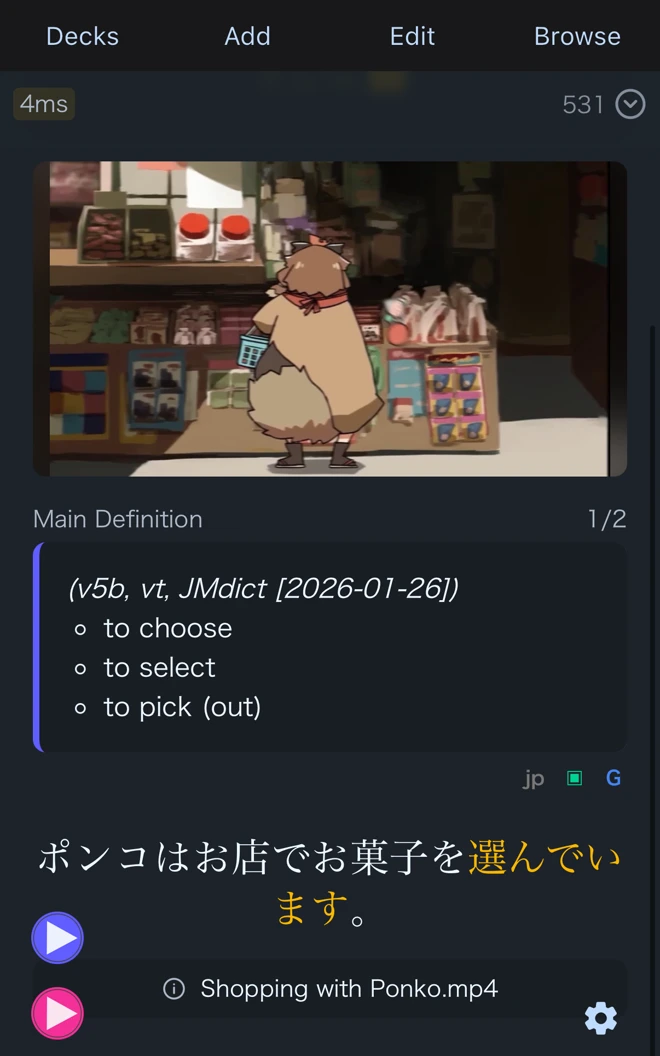
Hear the line again
Flip the card in Manatan Flashcards to see the definition, the original subtitle, and a still from the video. Play the saved sentence to hear the word in context.
Listen to the captured sentence
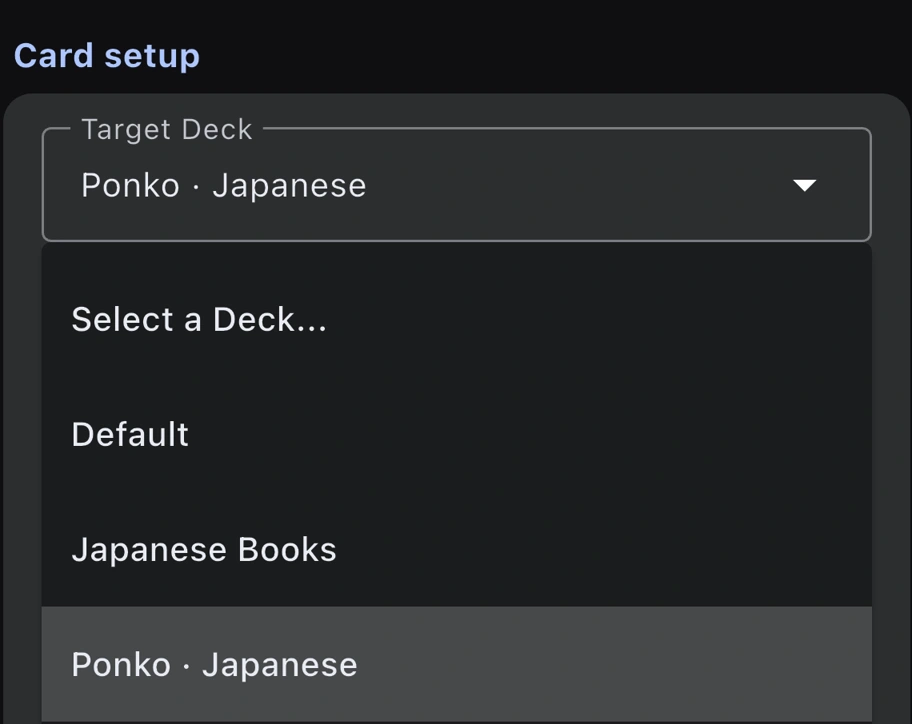
Choose your deck
In Flashcards settings, choose a Target Deck for new cards. You can save to Manatan Flashcards or use the Anki integration to send cards to an Anki deck.
Set up sentence mining
Set your destination
Choose the deck that should receive new cards.
Look up a word
Tap a word in a subtitle or a supported reader, then tap + in its dictionary entry.
Check the first card
Open the saved card and check the sentence and any media you want to review.
Sentence mining guide
Requirements
- Dictionary data
- Import compatible dictionaries first. Readings, pronunciation, frequency and pitch information depend on the dictionary and language.
- Capture support
- Which fields you can save depends on the source and platform. Some videos restrict audio or image capture.
- Anki
- To save to Anki, set up the integration for your device.