Android screen lookup
Look up words in game dialogue without leaving the game. Tap the floating Manatan button to scan the screen, then tap a word to open its definition.
Android
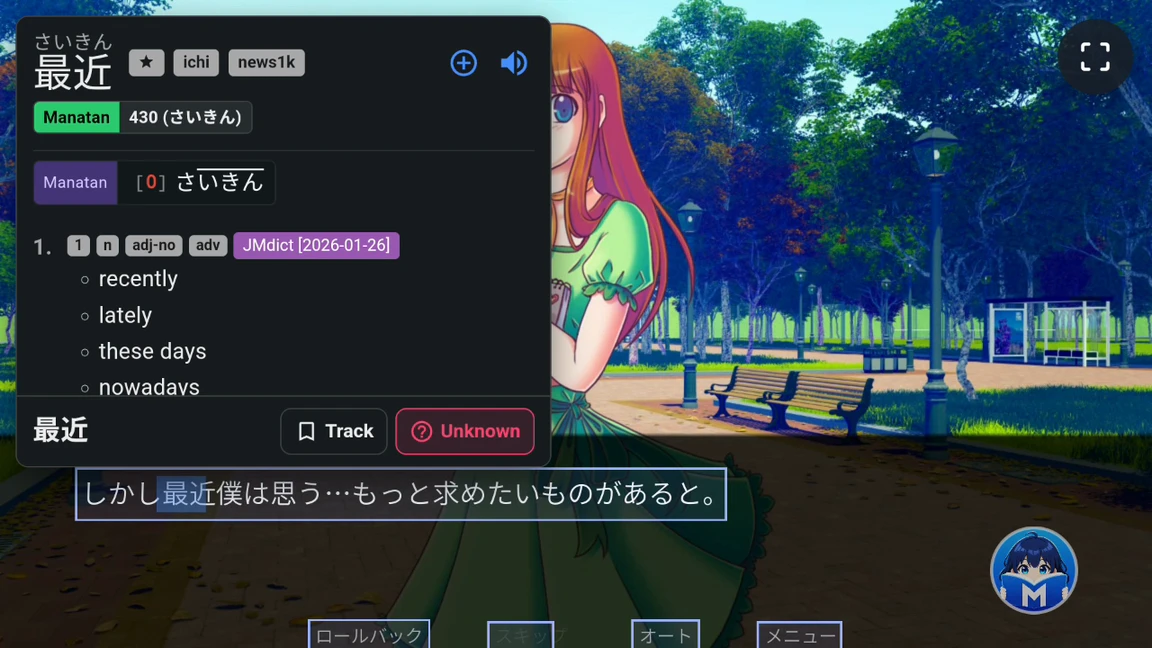
Look up words with a controller
Use your capture shortcut to scan the dialogue. Move the blue lookup cursor with the stick or step through text with the D-pad. Press your confirm button to open the dictionary, or enable automatic lookup to open it when the cursor settles.
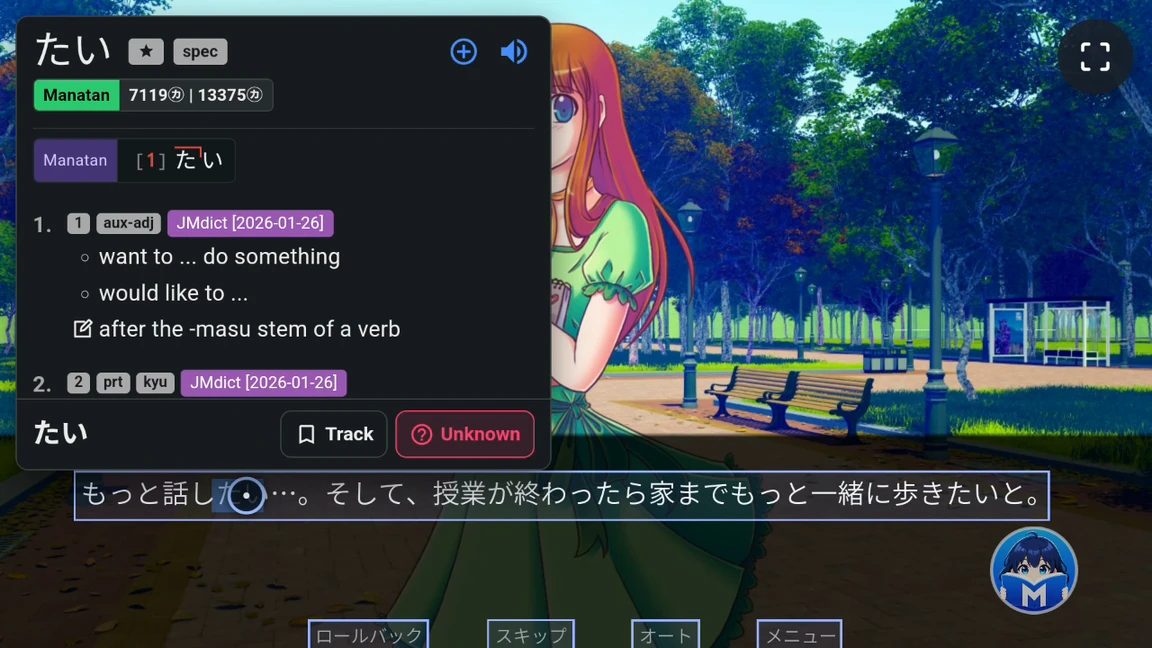
Set up Screen lookup
Add a dictionary
Install a dictionary for the language you want to look up.
Turn on Screen lookup
Open More in Manatan and enable Screen lookup. Download the recognition files and allow display over other apps and screen capture when prompted.
Set up a controller
In Screen Lookup settings, enable the controller shortcut and use Test controller input to check your mapping.
Read the Android guide
Requirements
- Android
- Screen lookup uses Android’s screen capture and display over other apps permissions.
- Controller shortcut
- Android’s accessibility service lets Manatan receive your capture shortcut while the game is open. Touch lookup works without a controller.
- Text recognition
- Choose a provider that supports the language on screen. Some apps block screen capture.