Content discovery
Find something to watch or read at your level. Filter by difficulty and check how much of the vocabulary you already know.
Website
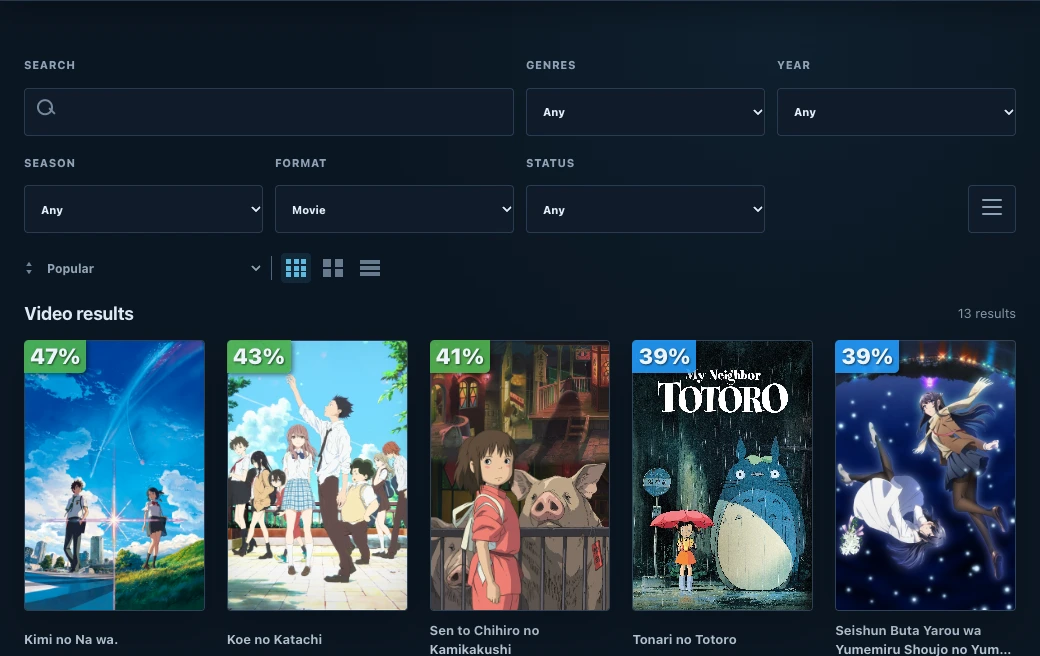
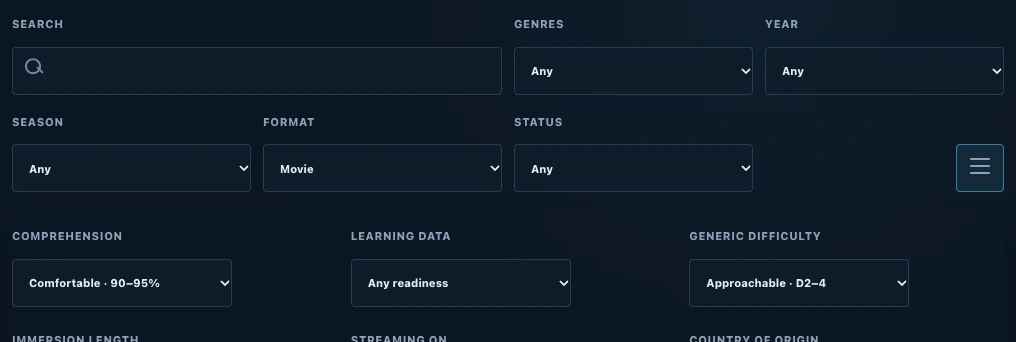
Filter by difficulty and coverage
Open Display options in Browse. Generic difficulty estimates how demanding a title’s language is. The Comprehension filter uses your vocabulary to narrow results by how many word occurrences you already know.
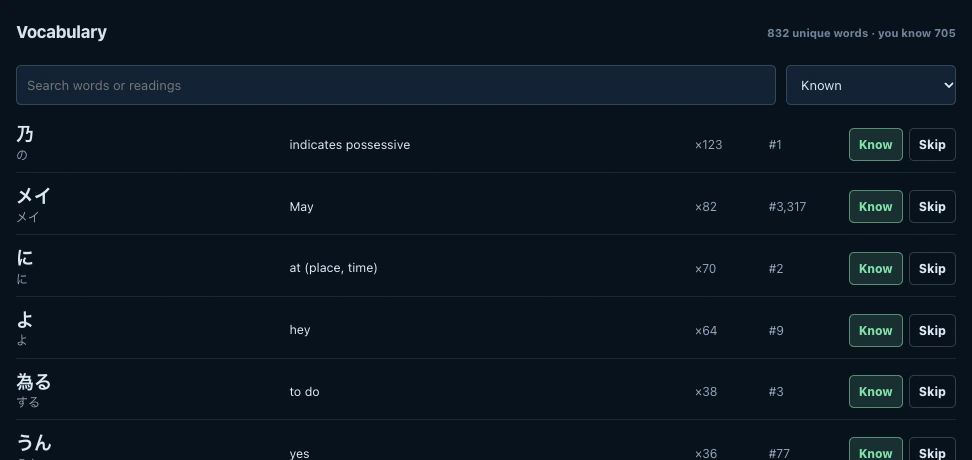
See the words you already know
Open a title and switch to Immersion. The Vocabulary list shows each word’s reading, meaning, and how often it appears. Choose Known to see familiar words or Unknown to find words to learn before you start.
Find a title at your level
Add your vocabulary
Sign in and add words you know so Manatan can calculate your coverage.
Read the content discovery guideFilter the catalog
Choose a difficulty and coverage range under Display options.
Browse the catalogCheck a title
Open its Immersion tab to see your coverage and the words behind it.
Requirements
- Learning data
- Difficulty and vocabulary are available for titles with learning data in the selected language.
- Personalized coverage
- Sign in with vocabulary in your account. Coverage estimates the share of word occurrences you know.