Browser extension
Point at a word on a webpage and press Shift to look it up. Save words from articles and video subtitles as flashcards.
Chrome · Firefox · Brave · Edge · Opera · Vivaldi
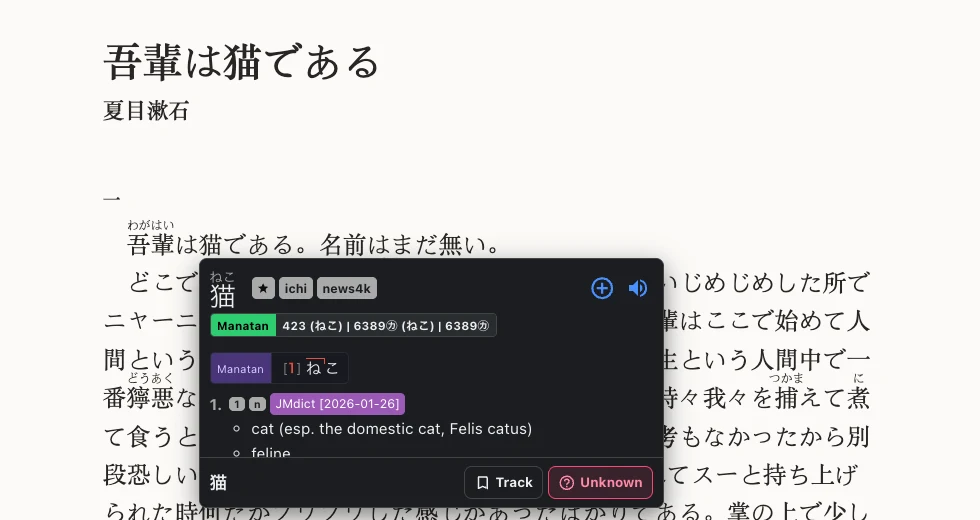
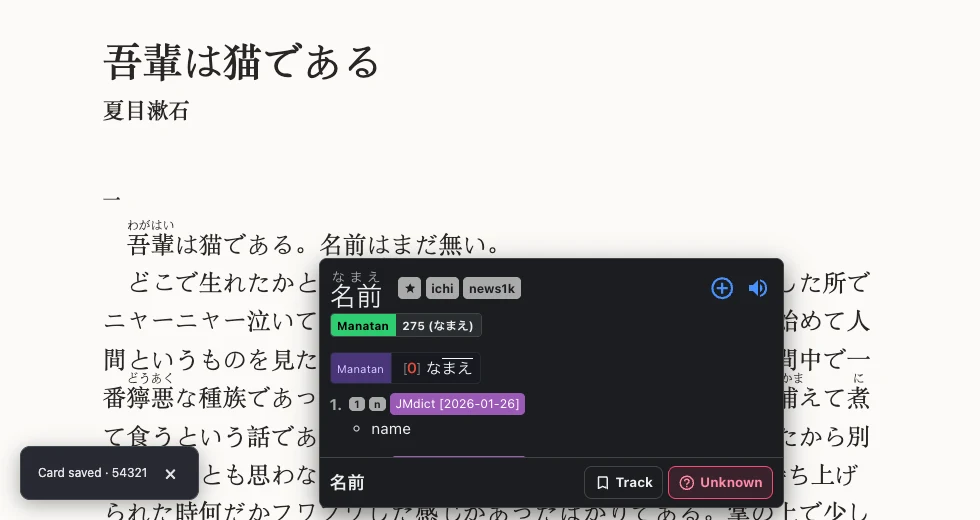
Save a word with its sentence
Click the plus button in the dictionary to save the word and the text around it. Choose Manatan Flashcards or send it to Anki with AnkiConnect.
Look up words in video subtitles
On YouTube, Netflix, or U-NEXT, hover over a word in the subtitles to look it up. Use the transcript to jump to a line or replay it.

Set up the extension
Install the extension
Use the Chrome Web Store for Chrome, Brave, Edge, Opera, and Vivaldi. For Firefox, use Mozilla Add-ons.
Choose your browserSign in and set up dictionaries
Sign in with your Manatan account. In Dictionaries, set up a dictionary in the browser or use the library from the Manatan desktop app.
Try a lookup
Open a page in the language you’re learning, then point at a word and press Shift.
Requirements
- Desktop browsers
- The extension is available for the browsers listed above. Video features depend on the site and the captions it provides.
- iPhone, iPad, and Android
- Use the built-in browser in the Manatan app to look up words on supported webpages.