 Manatan
How to Pre-Learn Vocabulary From an Anime or Book With Manatan
Spend a little time on the words you will meet next. Build a focused pre-study deck from a title's analyzed vocabulary, then return to the story.
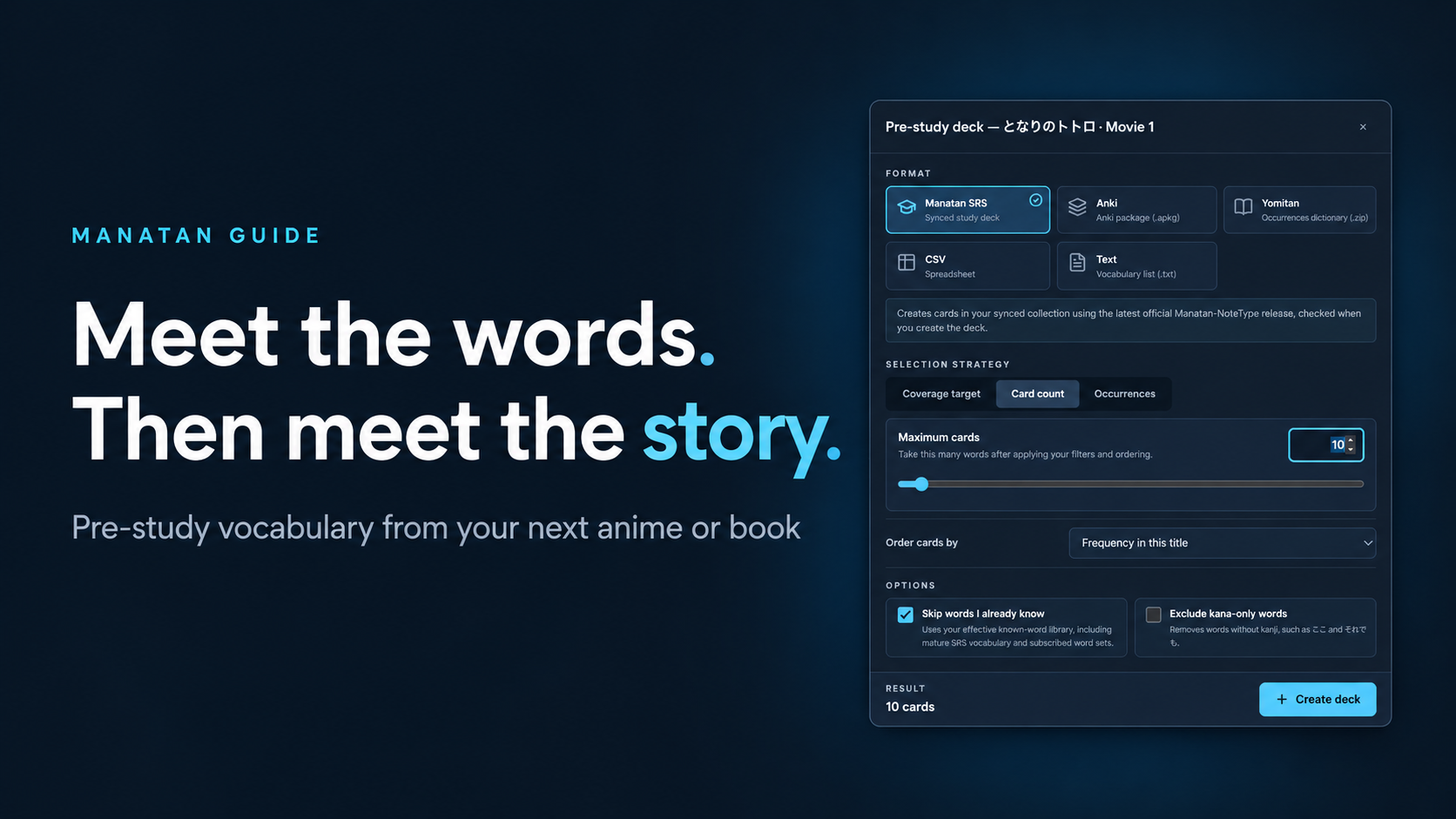
You do not need to memorize every word in a show before watching it. A small amount of preparation can make the words that keep appearing feel more familiar.
Manatan can build a vocabulary deck from the analyzed text for a title or an individual part. This guide uses My Neighbor Totoro on the desktop website. The same approach applies to supported books and other titles with learning data.
1. Open a title's Immersion page
Sign in to Manatan, find a title you want to watch or read, and open Immersion.
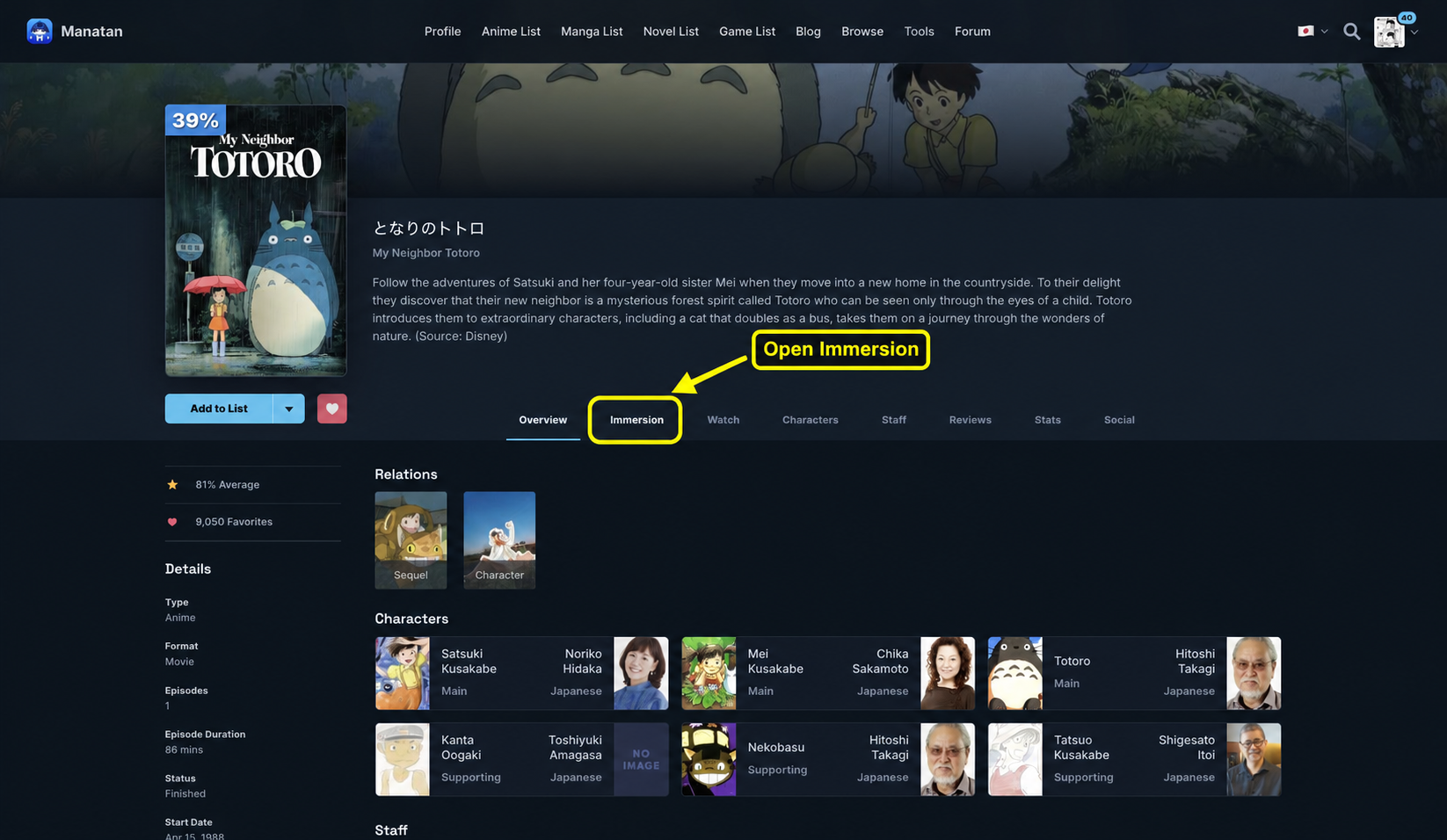
You need available vocabulary analysis for the title. If you have not chosen one yet, follow the content discovery guide. A catalog listing does not include a copy of the show or book. Use material you own or are authorized to access.
2. Choose the part you are about to start
Scroll to Prepare the next part and select the episode, movie, or chapter you plan to use. This example has one part, Movie 1.
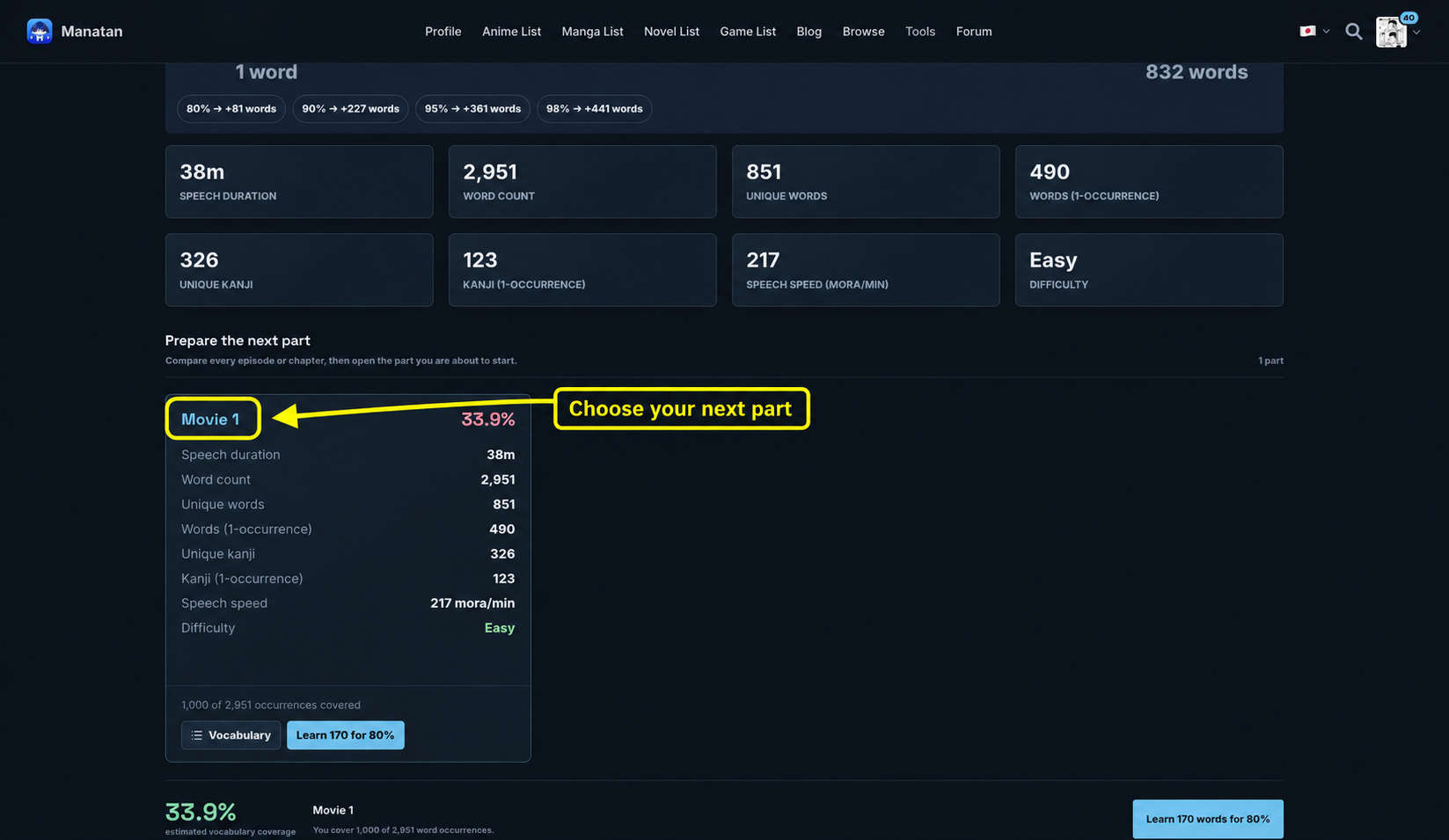
Preparing one part keeps the list relevant to your next session. Read the selected part's heading before continuing so you do not accidentally prepare an entire series instead.
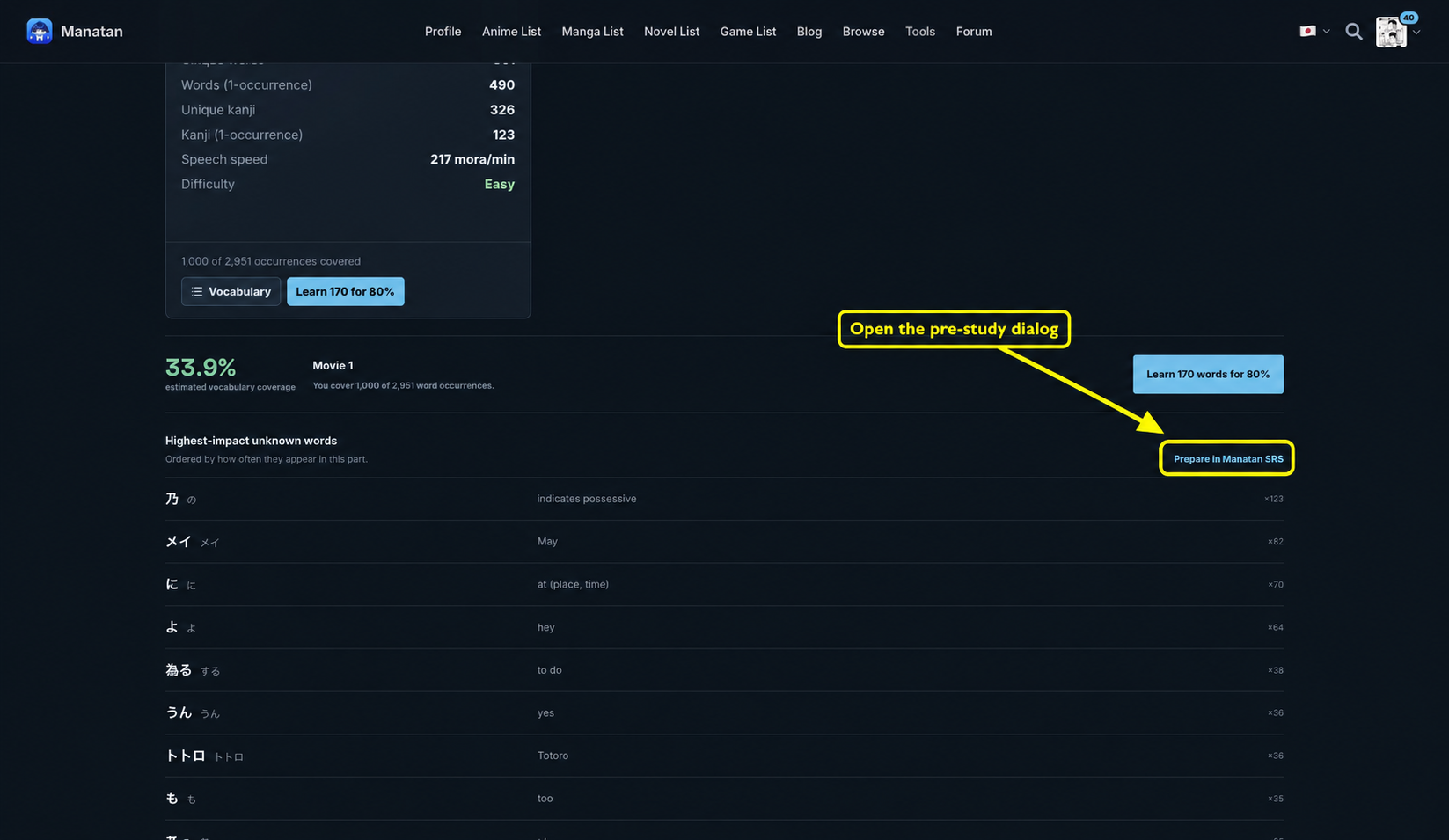
Open Prepare in Manatan SRS beside Highest-impact unknown words.
3. Start with a manageable batch
Choose Manatan SRS, select Card count, and try 10 cards for your first session. Leave Order cards by on Frequency in this title to prioritize words that appear often in the selected material.
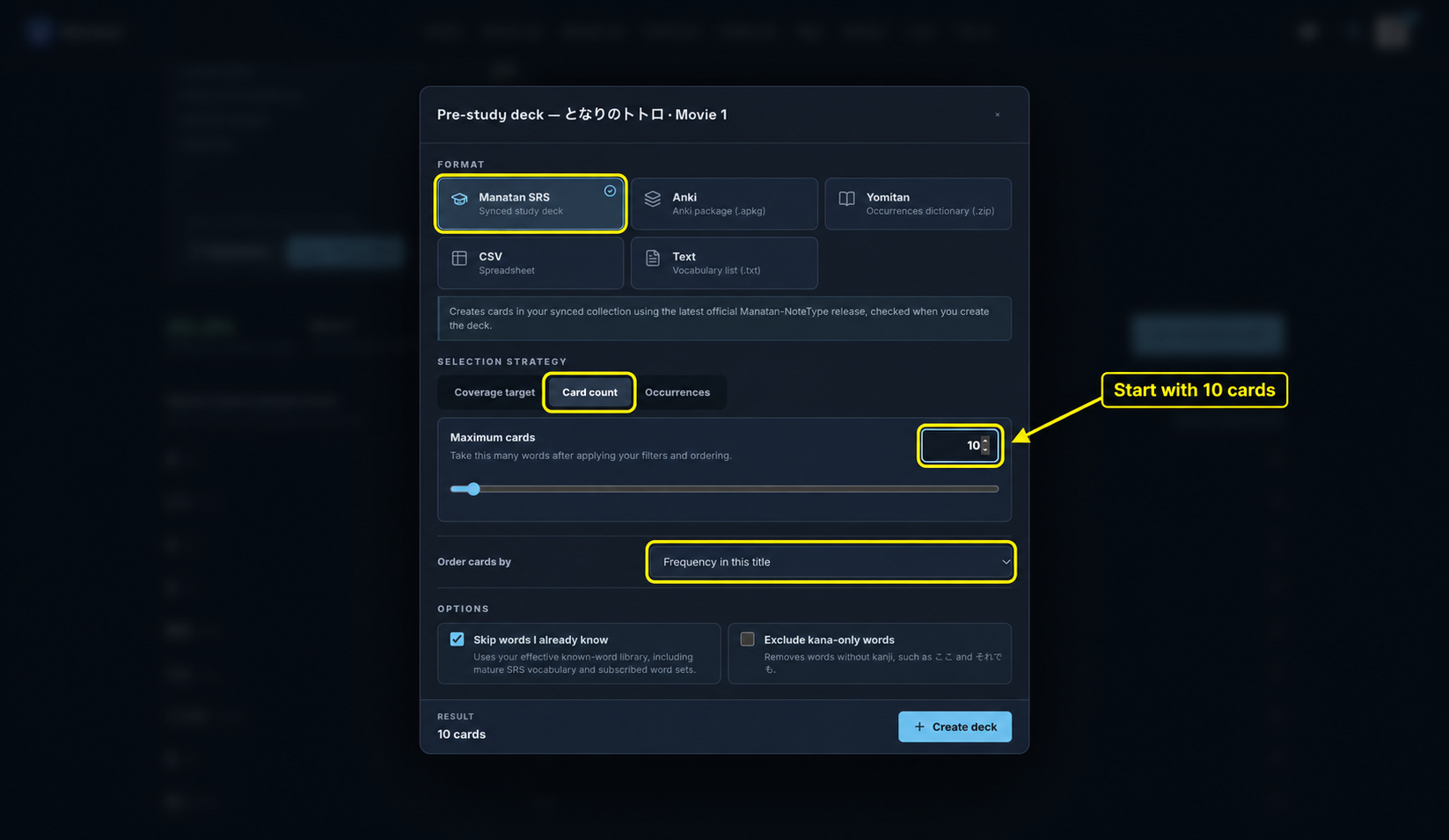
Keep Skip words I already know enabled if your saved vocabulary state is up to date. It uses your known-word library, including mature SRS vocabulary and subscribed word sets. If the suggested words look too basic, check that library before generating a larger deck.
Exclude kana-only words is optional. It can narrow the list toward kanji vocabulary, but it also removes useful words written only in kana.
The Coverage target strategy is another option, not a requirement. An 80% target estimates vocabulary occurrence coverage in the analyzed text. It does not mean you will understand 80% of the story. Grammar, context, and listening skill still matter.
4. Create the deck and bring it into your review routine
Check the preview, then choose Create deck. Wait for confirmation rather than clicking again while it is working.
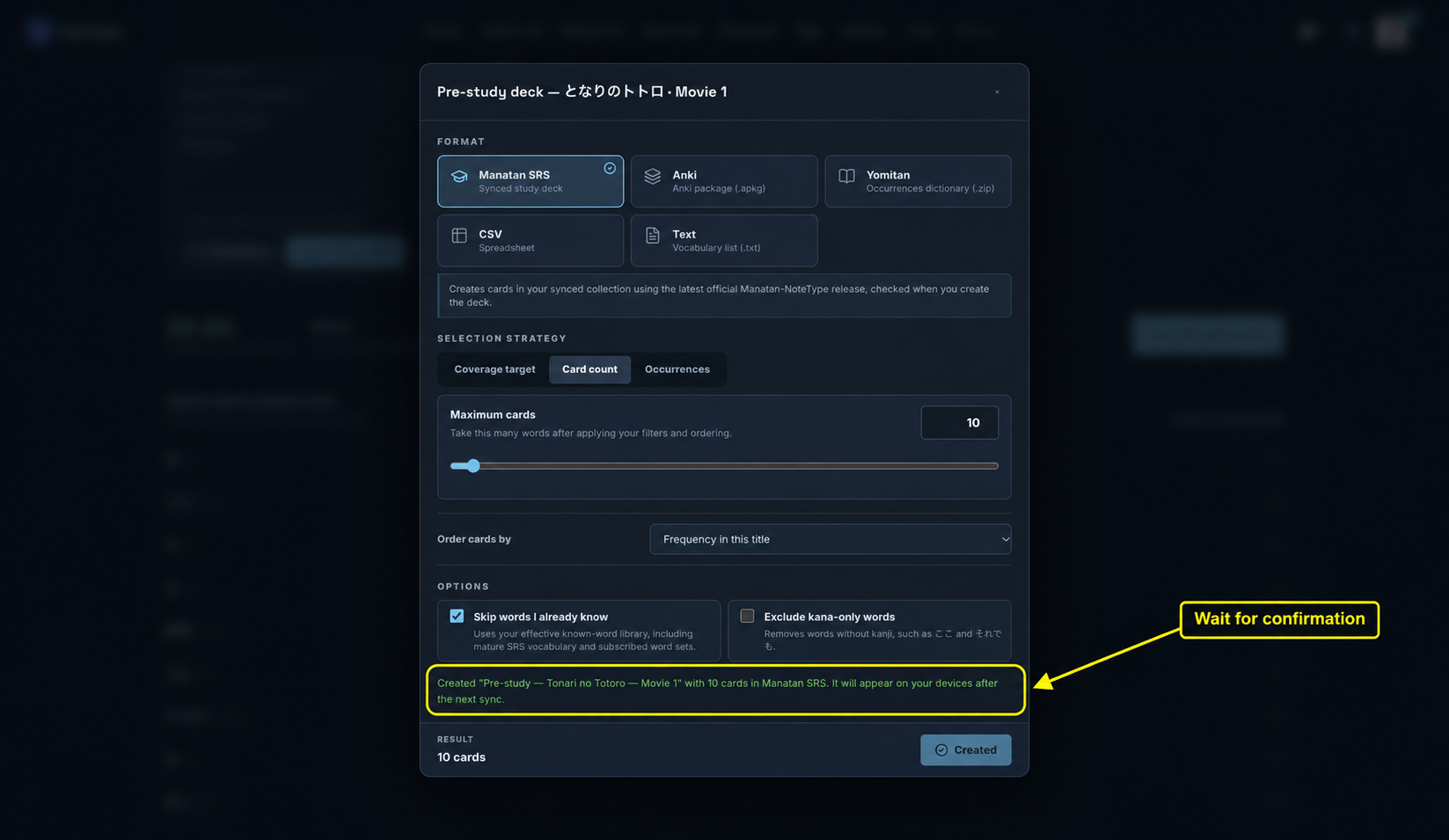
For Manatan SRS, use the same account in the app and let its SRS data sync before looking for the new deck. Open the matching pre-study deck, not your general mining deck.
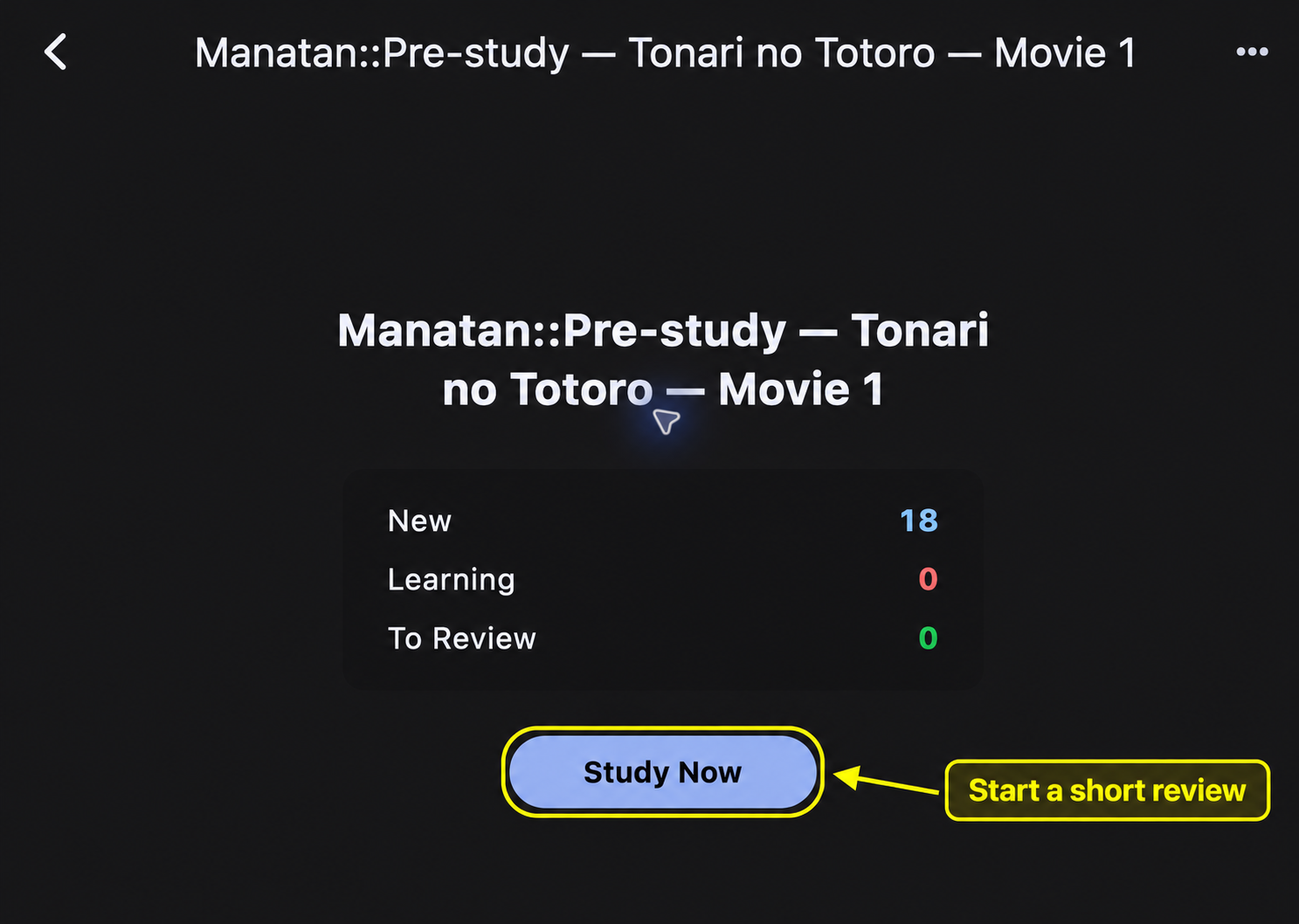
The study counts can differ from the number just generated if the same deck already contains cards from an earlier export, as it does in this example.
If you use Anki instead, select Anki in the format picker, download the package, and import it into Anki. New packages use the latest published official Manatan-NoteType release. If that release cannot be verified, generation stops rather than silently substituting a different template.
5. Review briefly, then return to the story
Choose Study Now in the deck for normal reviews. The screenshots below use Preview to show one newly generated card's Front and Back without grading it.
Try recalling a word before revealing its reading and meaning. If it is unfamiliar, treat that as a first encounter rather than forcing yourself to master the whole deck in one sitting.
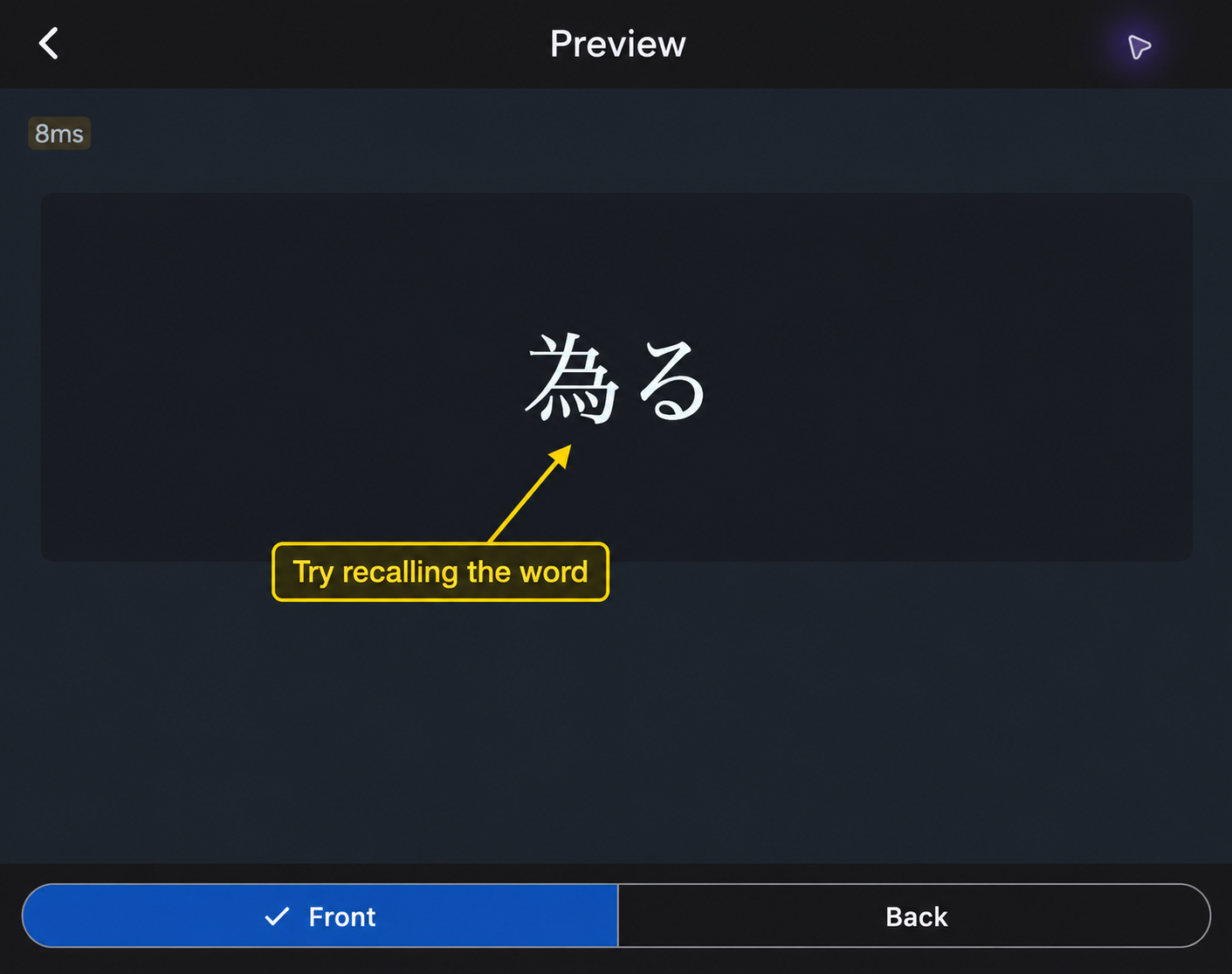
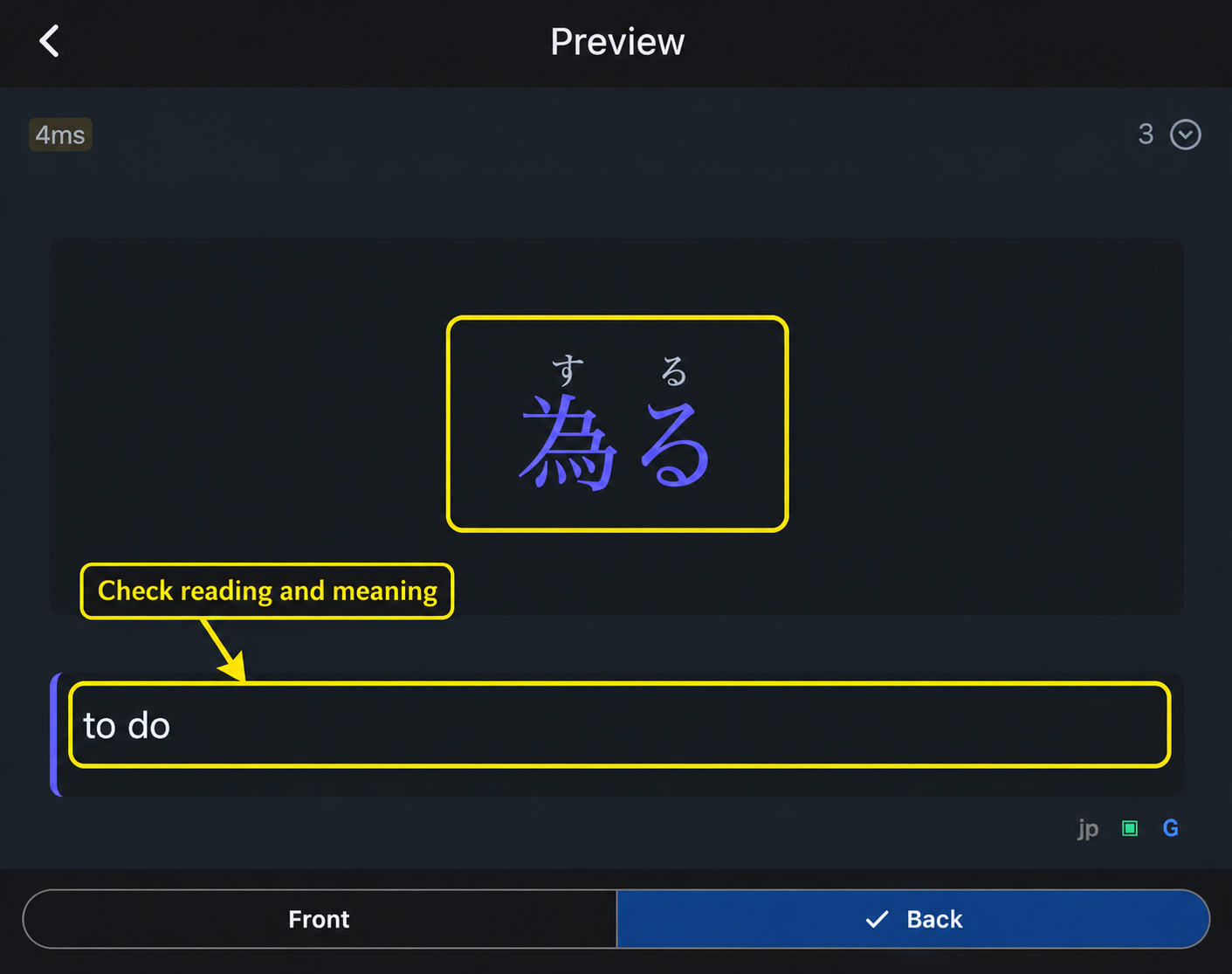
Pre-study cards come from the title's vocabulary analysis. They are not automatically the same as sentence cards you save while watching or reading. When a word's meaning is unclear, check it in the actual scene or passage.
After a short review, watch the scene or read the chapter. Notice the words you prepared, look up what still blocks the meaning, and save useful examples from that context. The goal is to make the story easier to stay with, not to turn preparation into a reason to postpone it.
For the app workflow, see saving and reviewing words with Manatan SRS, the anime subtitle guide, or the EPUB reading guide.